

Manage

How to Manage a Quiz After Publishing

Find publishing controls, update quiz settings, review the question bank, and monitor participation.

Video coming soonpublishing · settings · attempts
QuiyoAI-powered quiz studio
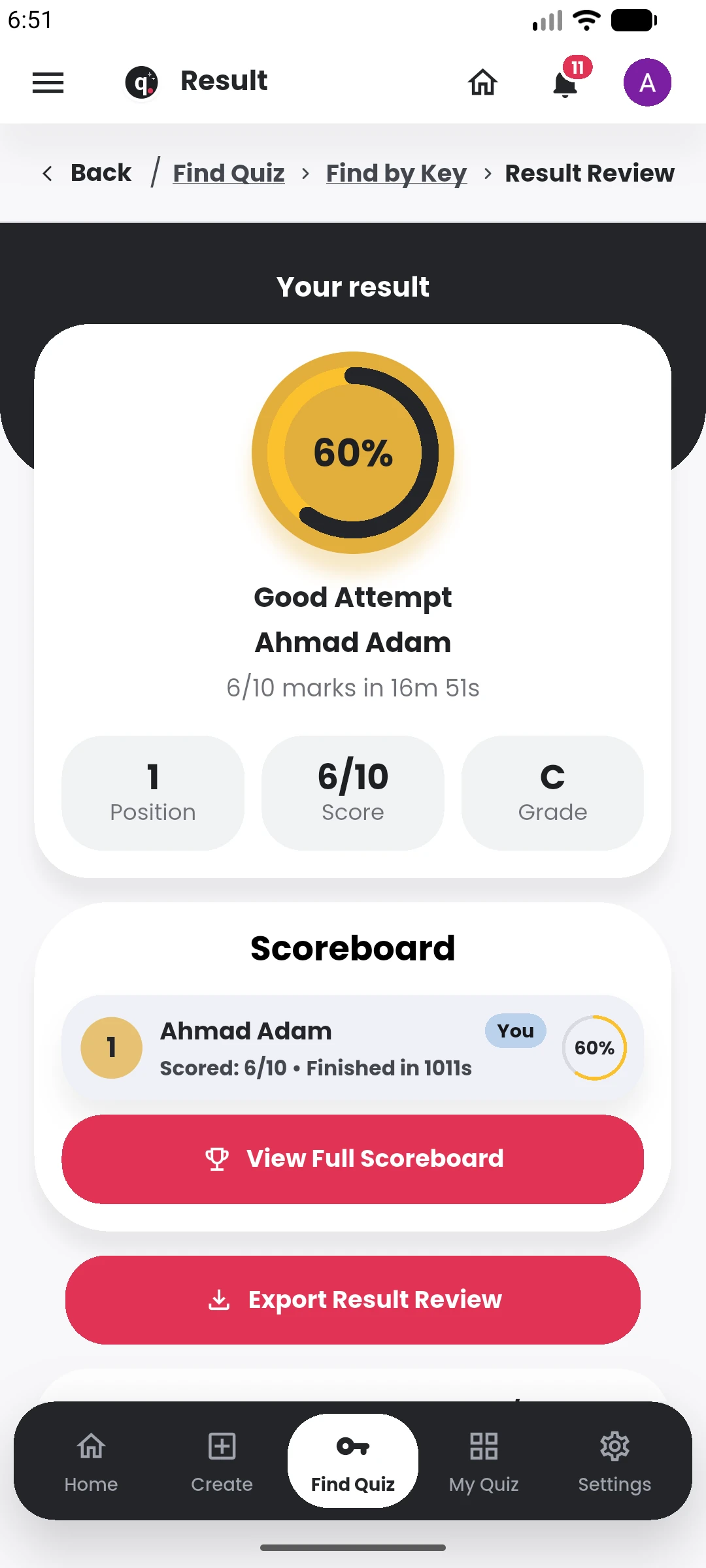
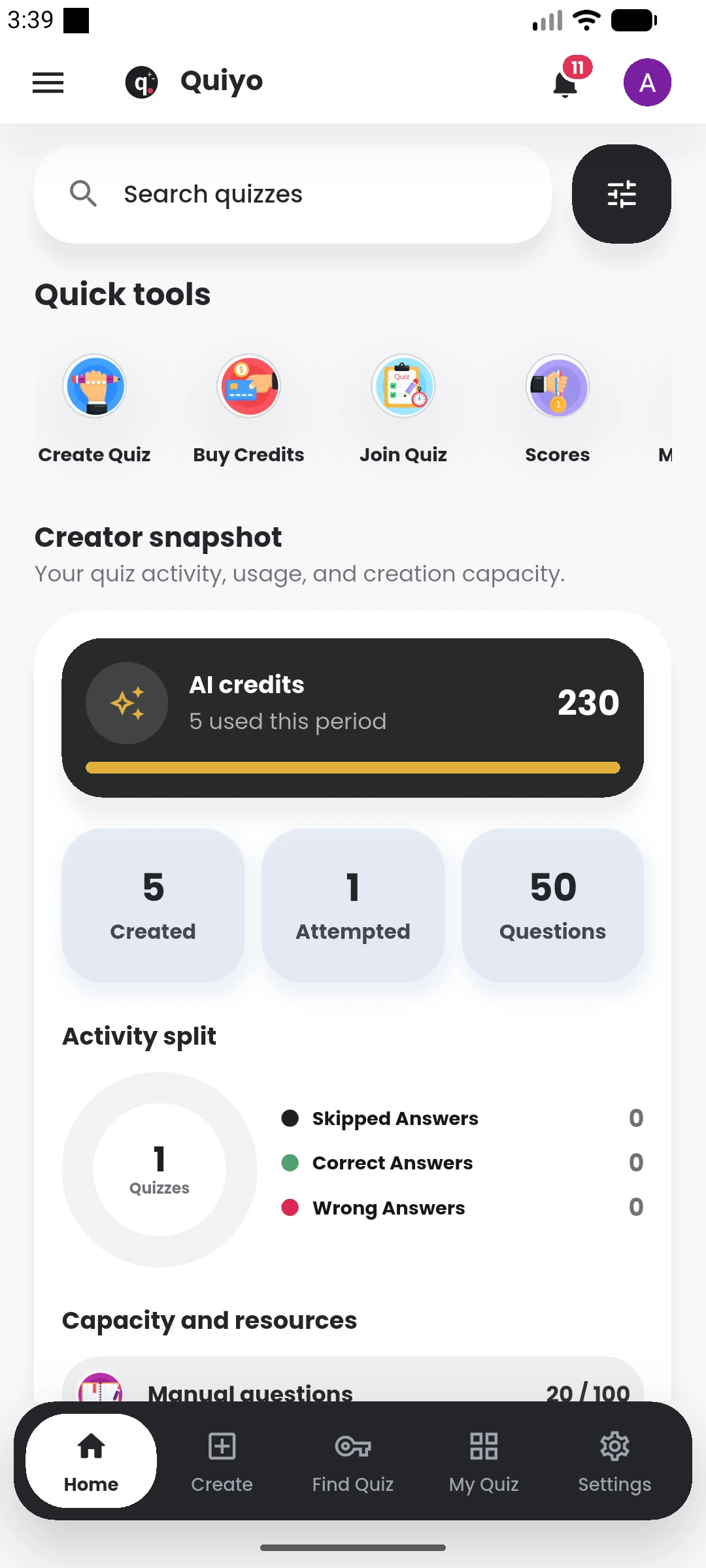
Quiyo mobile result review showing score, grade, and scoreboard. Quiyo mobile home showing Quiz Studio, quick tools, and quiz activity.

Recorded guide

Video coming soon

The complete written walkthrough is ready below.

Written walkthrough

Follow these steps

  1. Open your generated quiz library in Quiyo.
  2. Select the published quiz you want to manage.
  3. Review visibility, timing, access, attempt, randomization, and result settings.
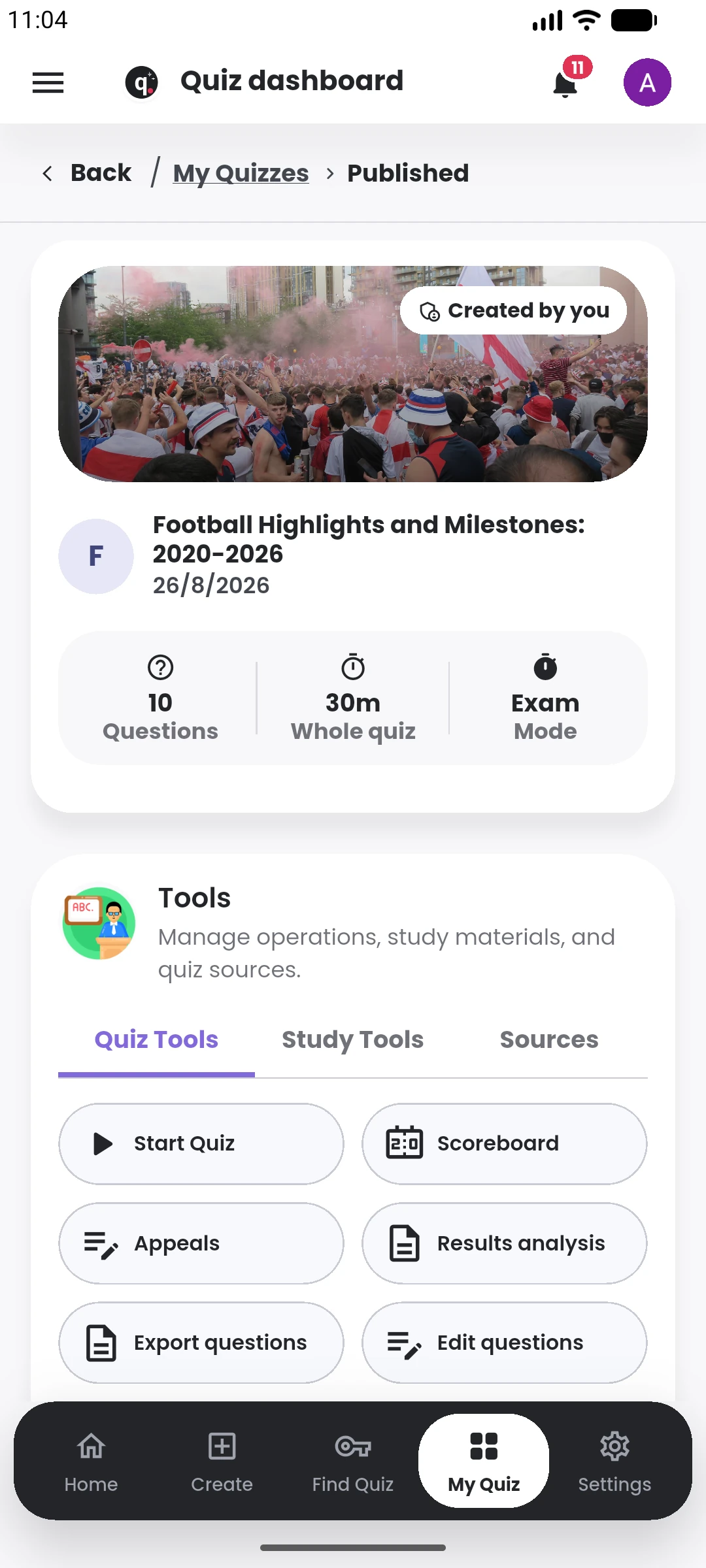
  4. Use the quiz workspace to review attempts, approvals, scoreboards, and the published question bank.
Keep learning

Related tutorials

View library