Courses and programmes
Keep the academic areas you assess organized in the same workspace as the materials and assessments built around them.
Every new test draws on material the institution already has, takes time to prepare, needs to be delivered, produces results, and becomes part of the next round of assessment work. Institution Workspace keeps those pieces in one place.
 Quiyo
Institution Workspace
Quiyo
Institution Workspace
SUPPORTED BY LEADING TECHNOLOGY ECOSYSTEMS


Course outlines, lecture notes, textbooks, references and past questions already shape what gets taught and assessed. Quiyo lets that material sit closer to the process of preparing questions and assessments.
Keep the academic areas you assess organized in the same workspace as the materials and assessments built around them.
Keep the intended coverage for a course close to the questions and assessments prepared from it.
Bring teaching material into the workspace and reuse it when preparing future questions.
Keep supporting material available when an assessment needs to be prepared from more than one source.
Bring previous assessment material into the same place so useful questions and patterns do not disappear into old folders.
Bring the sources together, prepare and review questions, assemble the assessment, then deliver it through Quiyo or export it when you need a printed version.
Set up the academic structure you already work with so materials and assessments have a clear place to live.
Keep course outlines, notes, textbooks, references and past questions available for repeated use.
Use the material you already have to help create questions, then keep the useful ones together for future work.
Edit, review, refine and retire questions as needed instead of treating the first draft as final.
Choose the coverage, question count and difficulty you need, then assemble and refine the assessment before delivery.
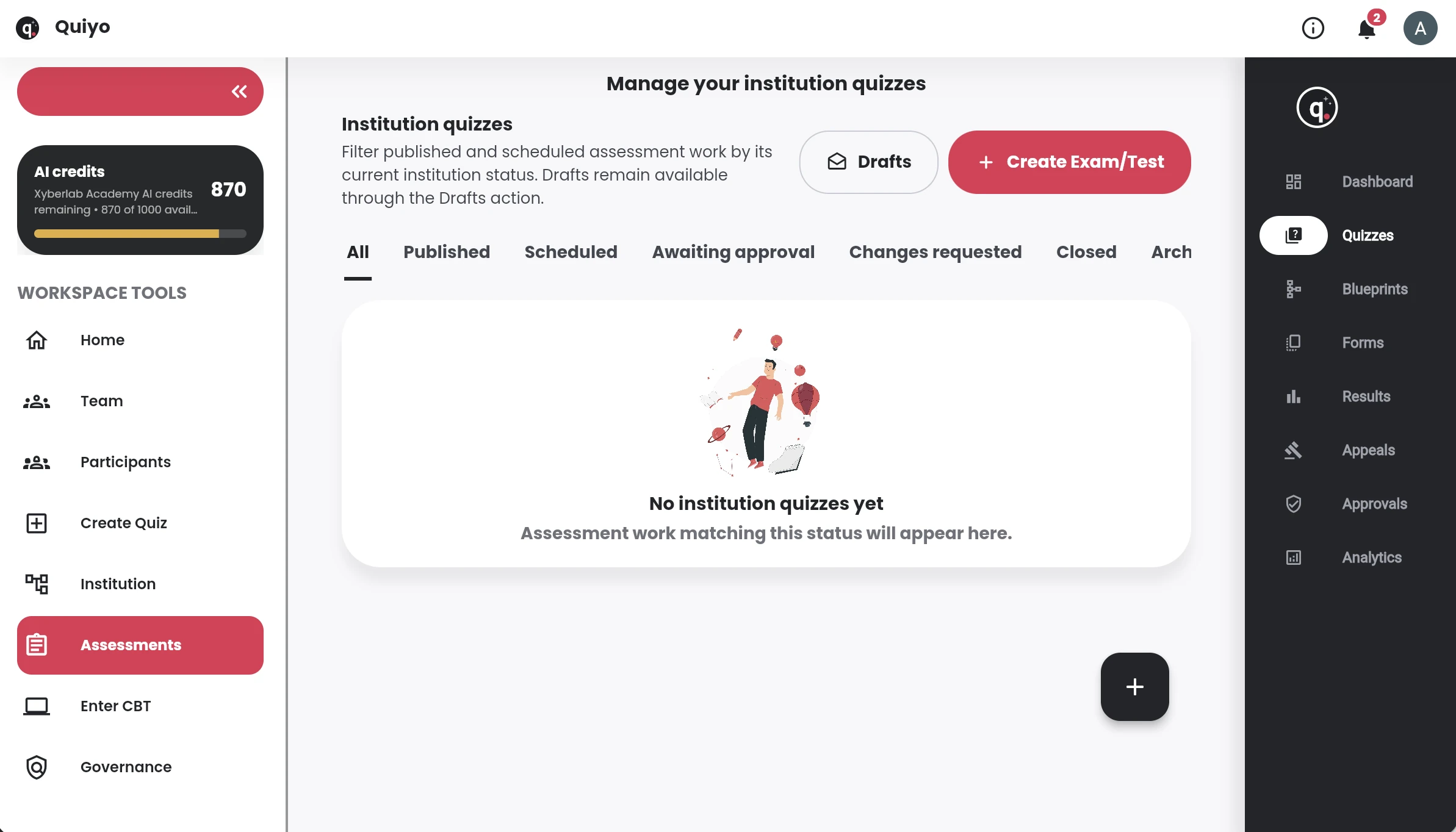
Run CBT, publish or schedule the assessment, review results and appeals, correct issues and export records when needed.
Institution Workspace in practice
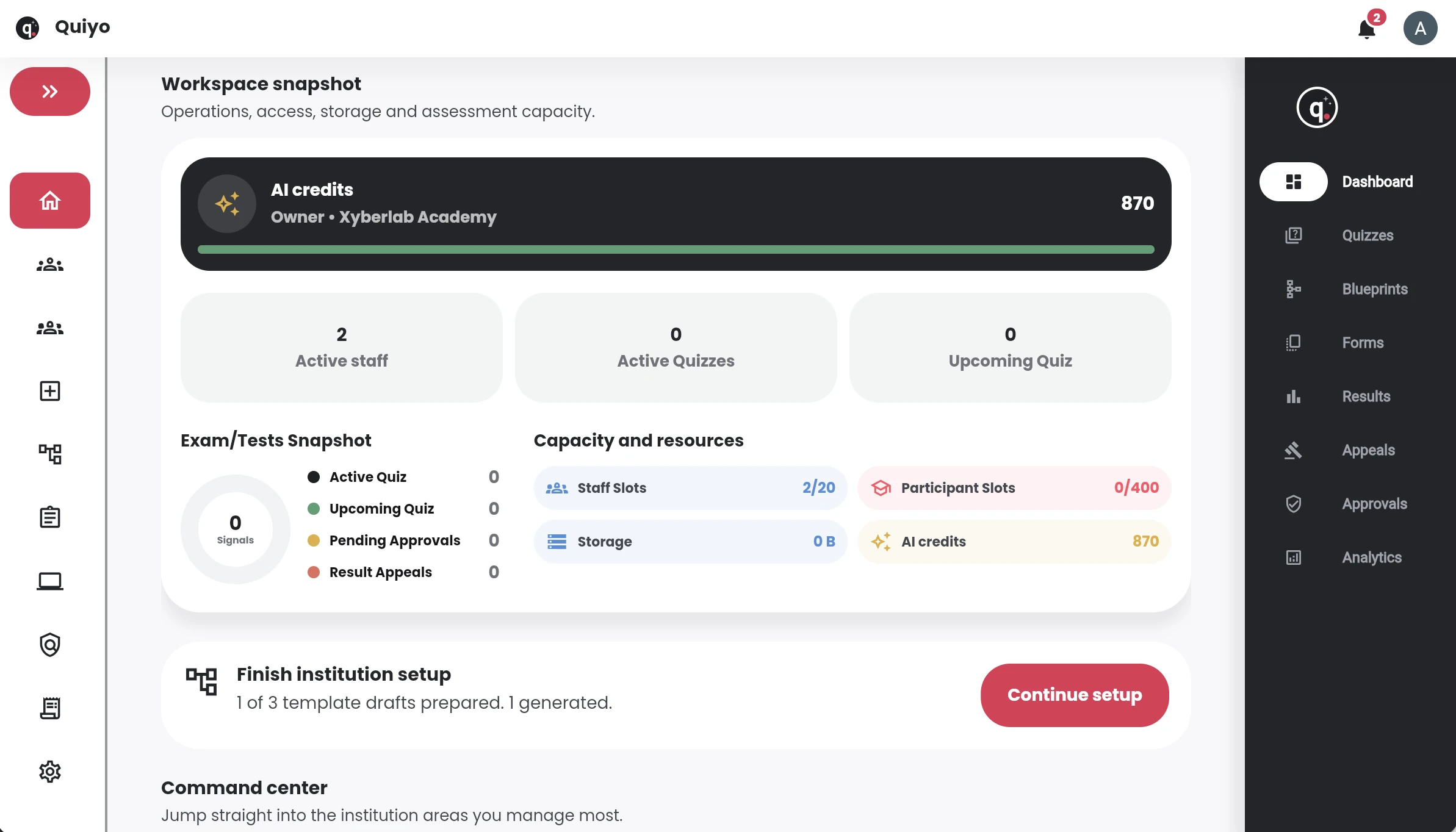
The institution dashboard brings capacity, activity and setup status into one view.
Question banks can feed into assessment blueprints, helping an institution define coverage, assemble forms and keep the reasoning behind an assessment connected to the questions that were chosen.
Keep reusable questions with review information, versions and notes around their use.
Define the assessment structure and the content areas the final paper should represent.
Build the assessment from approved questions and prepare multiple forms where the workflow requires them.
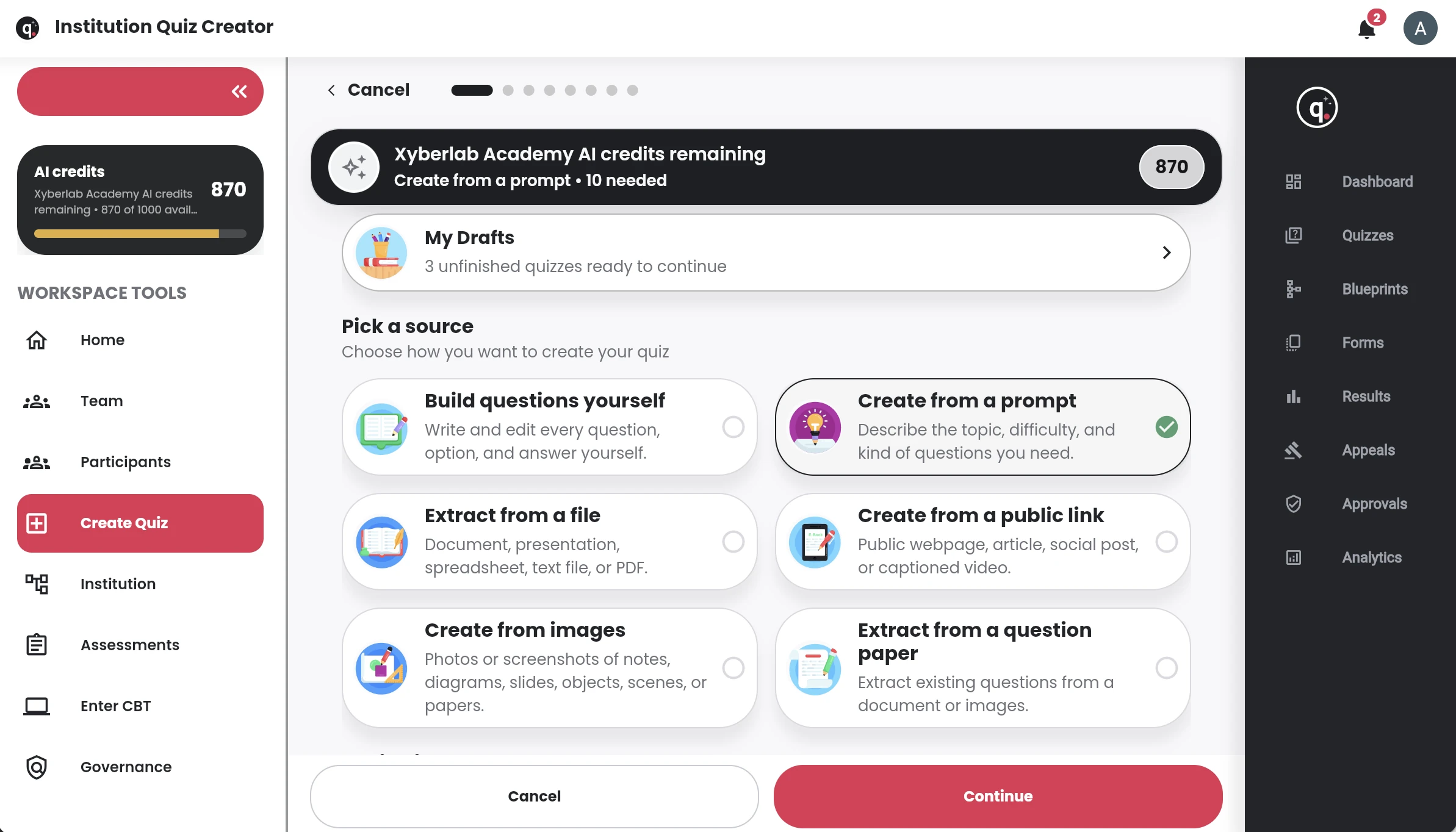
Use institution structure and participant fields to control who the assessment is prepared for.
Keep results, appeals and question-level performance available for the next assessment cycle.
As assessment activity grows, Quiyo gives the institution one place for materials, questions, assessments, results and the work that follows.
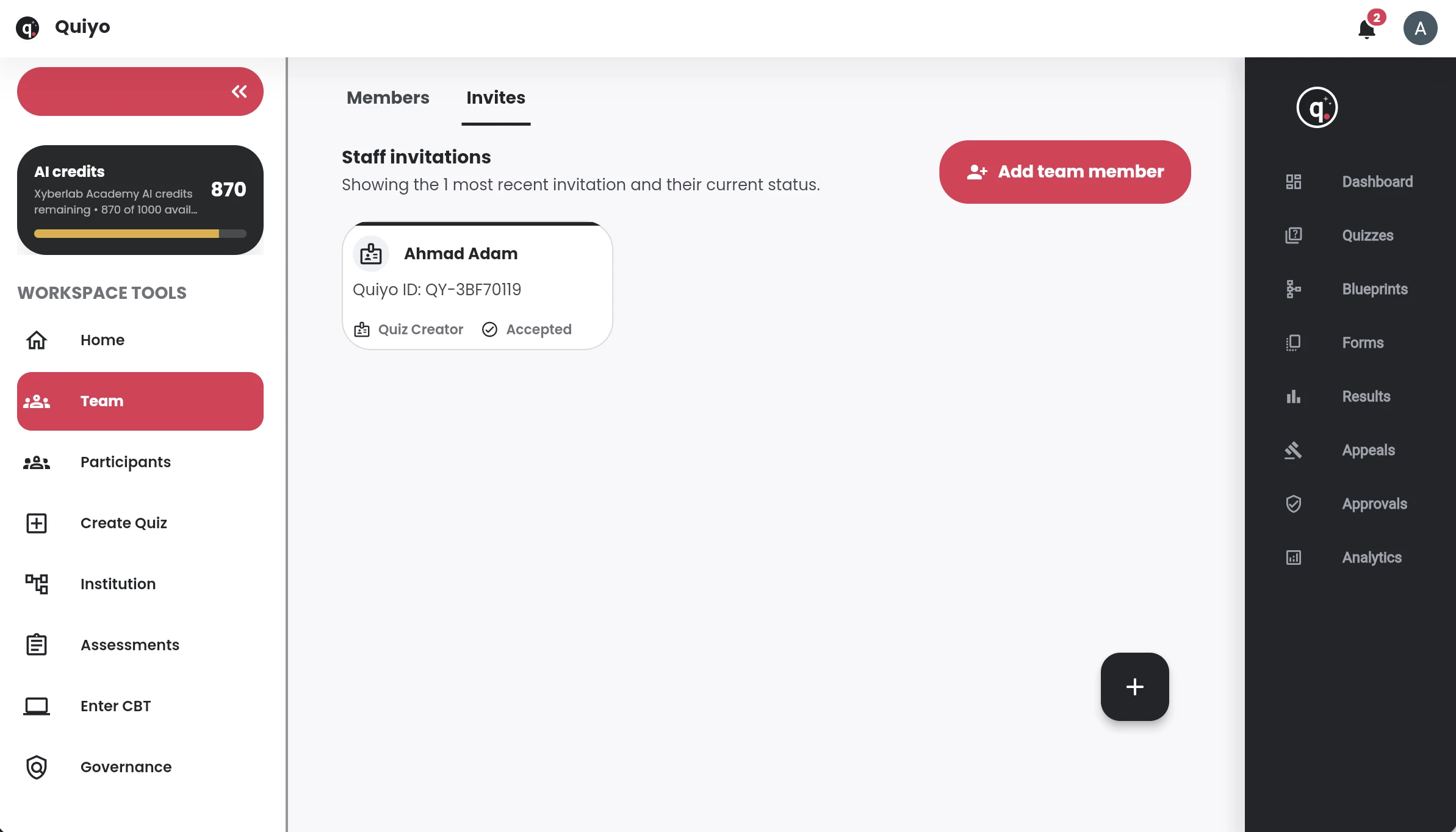
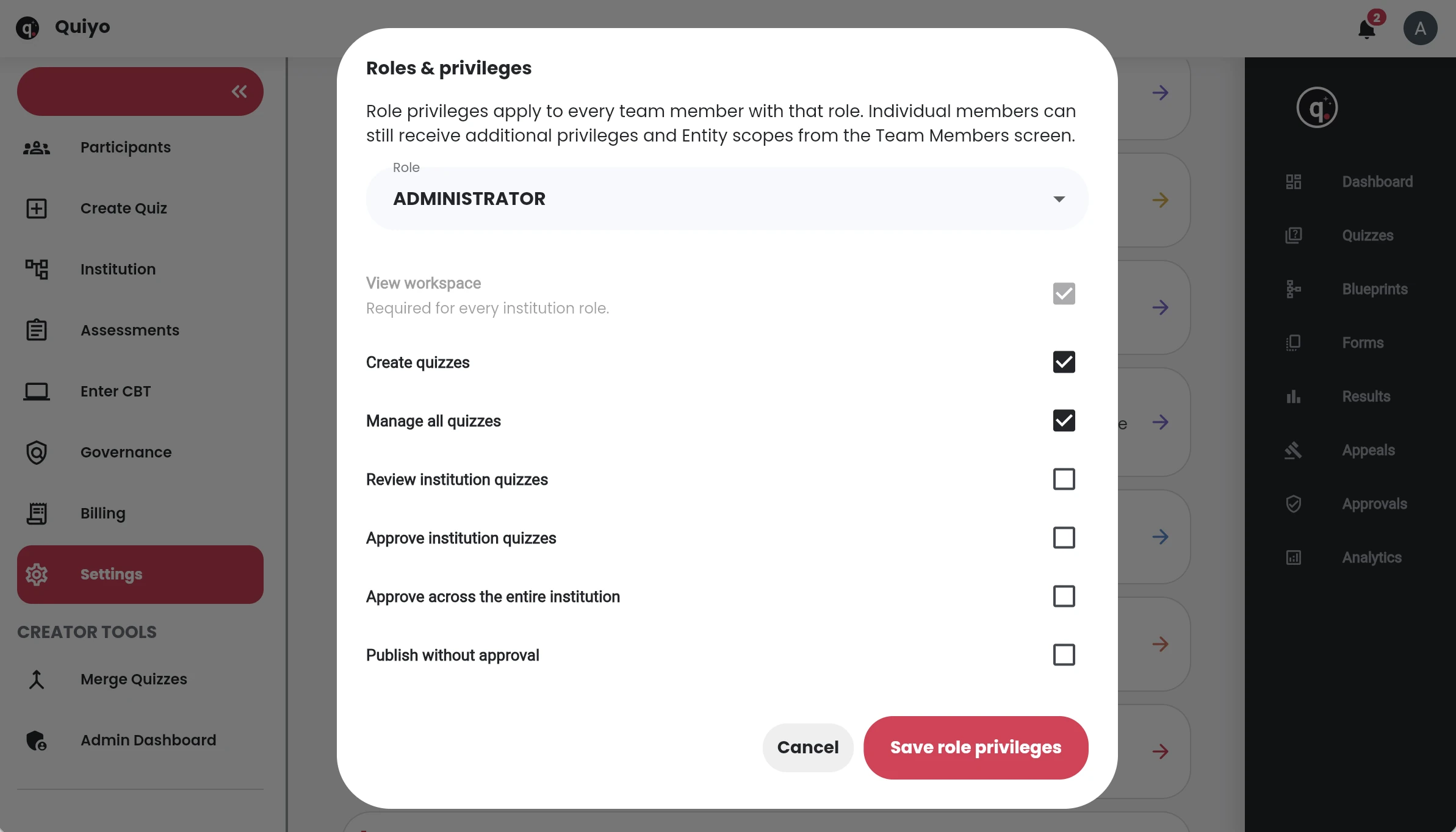
Keep the people preparing and managing assessments in the same working environment instead of passing files between disconnected tools.
Keep materials, questions and assessments organized around the parts of the institution they belong to.
Keep the source material you already trust available for future question preparation.
Build on reviewed questions and previous work instead of recreating the bank for every assessment.
Keep reviewing, correcting and improving questions as they are used over time.
Plan the coverage, question count and difficulty before assembling the final assessment.
Prepare separate versions of an assessment while keeping the intended coverage aligned.
Review what happened after the assessment, handle corrections or appeals and keep useful records for what comes next.
An assessment prepared inside Institution Workspace continues through the same Quiyo experience for publishing, taking the quiz, scoring, review, results and exports.
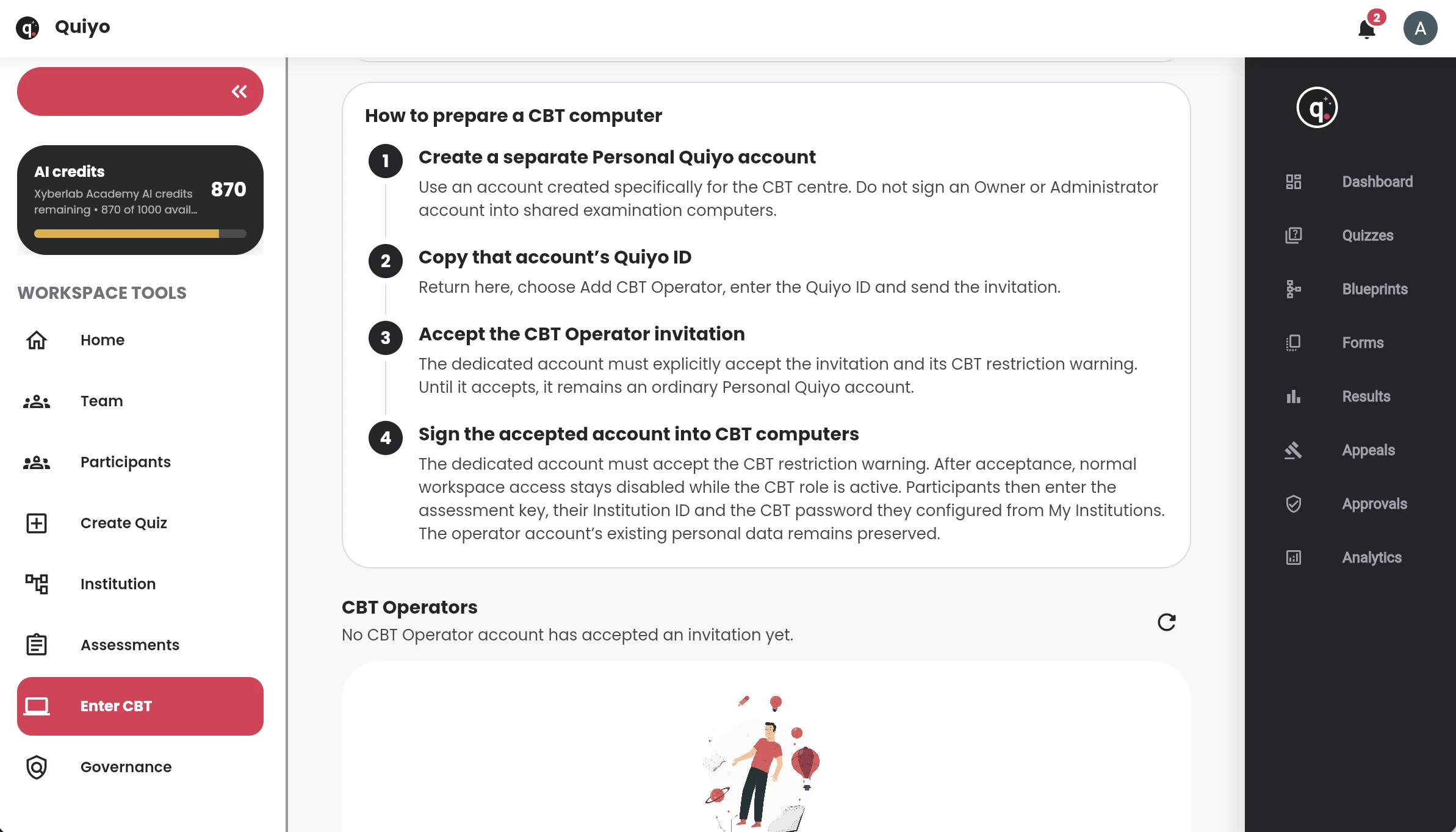
Large desktop laboratories can be expensive to acquire and maintain, while unrestricted personal devices can make examination control harder. Quiyo Device is being developed as a focused assessment endpoint that sits between those two extremes.
The aim is to let institutions expand CBT capacity without requiring every candidate position to be a complete desktop workstation.
A dedicated device can reduce unnecessary access to general browsing, unrelated apps and other activity outside the assessment flow.
Prepare the assessment in Quiyo, deliver it through dedicated devices where appropriate, then keep attempts, scores and follow-up work in the same environment.
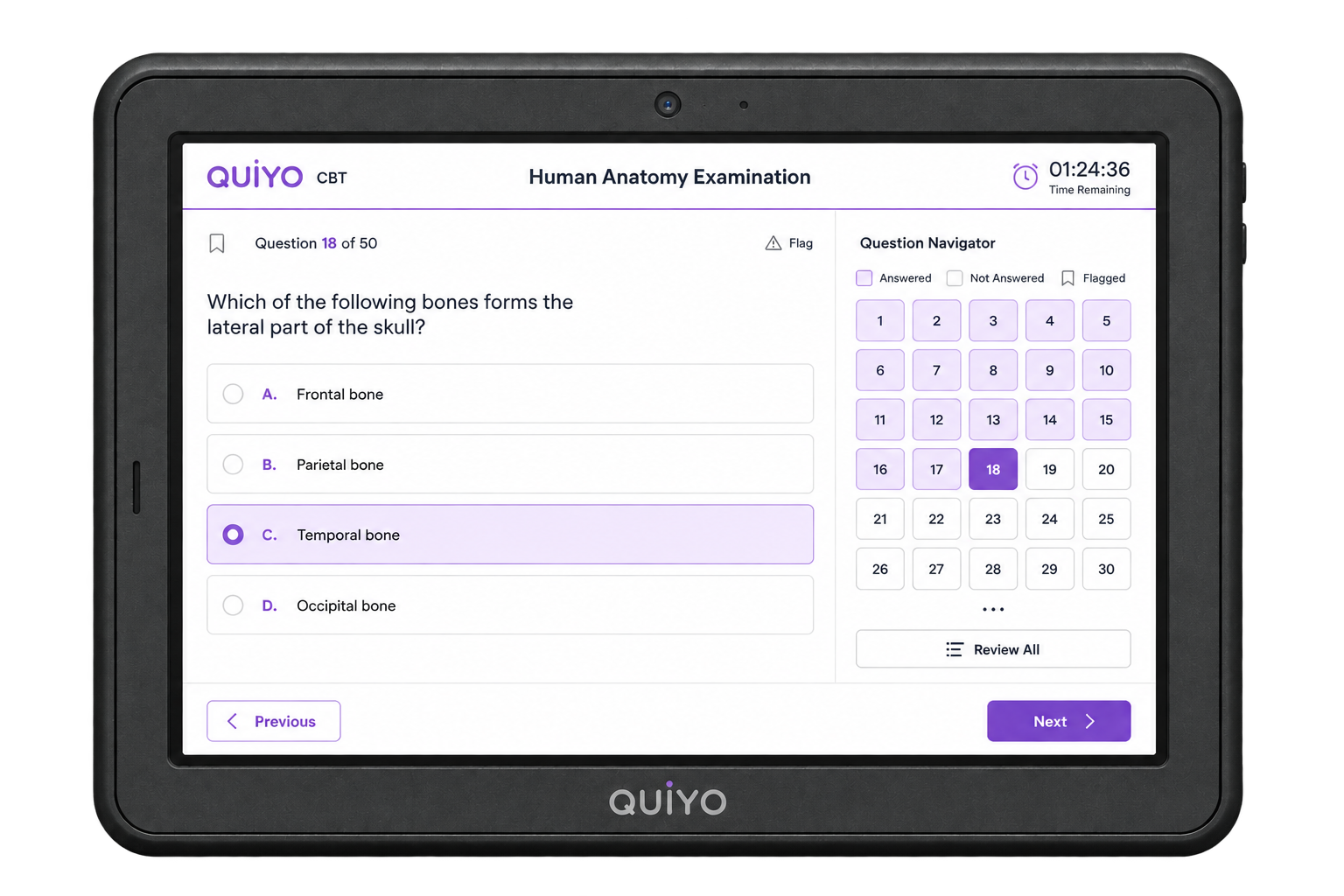
From a classroom set to departmental CBT and larger examination halls using tens or hundreds of devices, the concept is being shaped around institutions that need assessment hardware they can deploy again and again.
The controlled-device direction is intended to reduce opportunities for common device-based malpractice, not to claim that hardware alone can prevent every form of misconduct.
See the full Quiyo Device concept →You do not need to imagine a completely new process before you can see whether Quiyo fits. Use the material and assessment work you already have, then judge the product by what happens from preparation through results.
Start with the course material, past questions or question work you already rely on.
Create or refine the questions, publish through Quiyo for CBT, or export when you need a printed version.
Look at attempts, results, corrections, exports and the work you would normally have to carry into another tool.
No. Institution Workspace is built around reuse. Course material, previous questions and question banks can remain useful across future assessment preparation instead of disappearing after one test.
Yes. Course outlines, lecture notes, textbooks, references, past questions and other supported source material can be brought into the workspace and used during question preparation.
Yes. Assessments prepared in Institution Workspace can continue through Quiyo for publishing, scheduling, participation, scoring, results and other follow-up work.
Yes. Quiyo supports DOCX question export when an assessment needs to be printed, shared offline or taken outside the app.
Yes. Quiyo can prepare multiple forms around the same intended coverage when an institution needs separate versions of an assessment.
Quiyo supports reassessment so affected attempts and scores can be updated after the question is corrected instead of requiring a manual recalculation for every participant.
No. Institution assessments continue through the normal Quiyo quiz experience, so the institution does not have to introduce a second assessment product just for delivery.
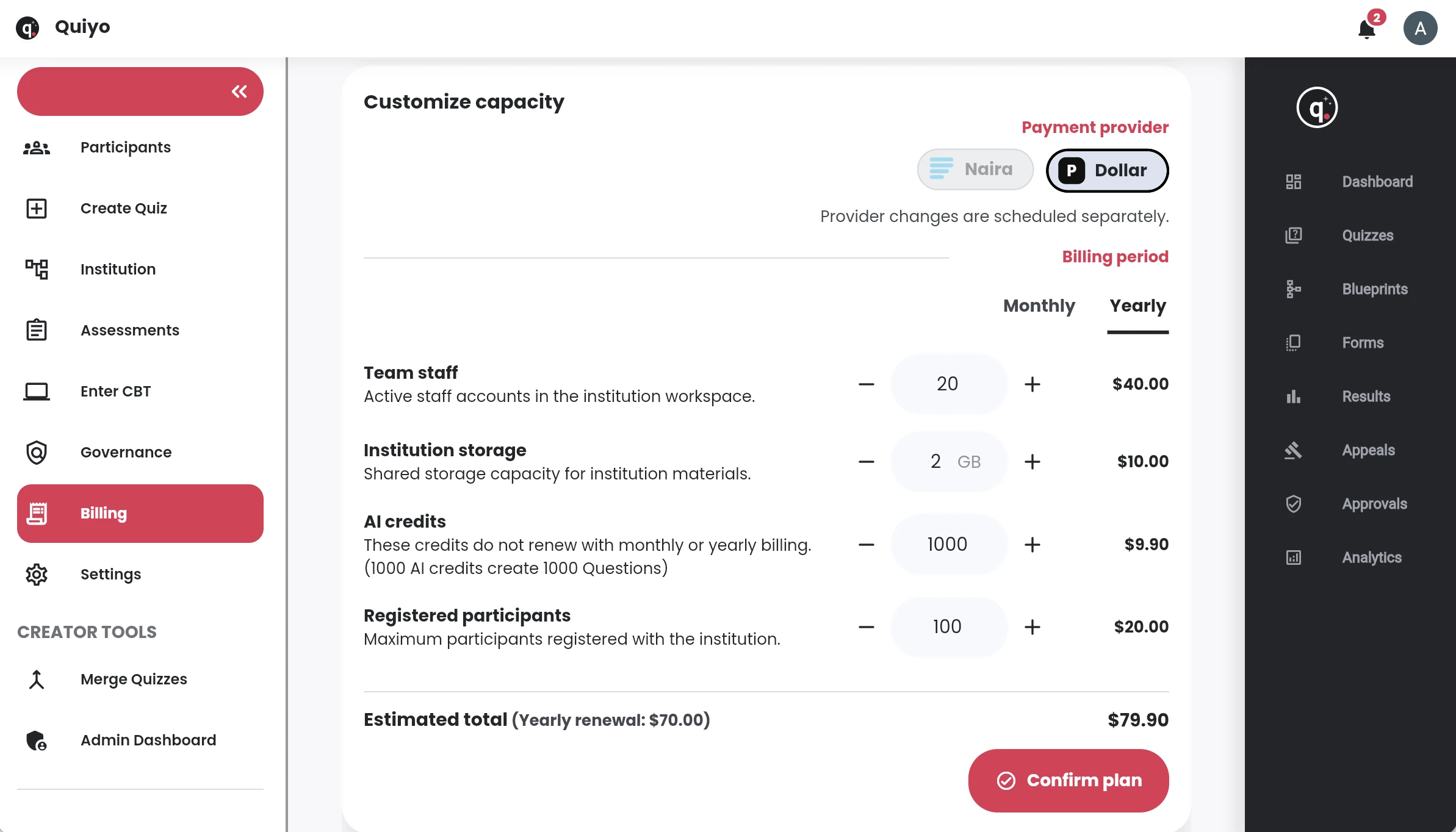
Yes. Institution Workspace is designed around configurable capacity for staff, participants, storage and AI usage so the setup can grow with actual use.
Start with the work you already have, or review the institution questions and pricing before you decide.